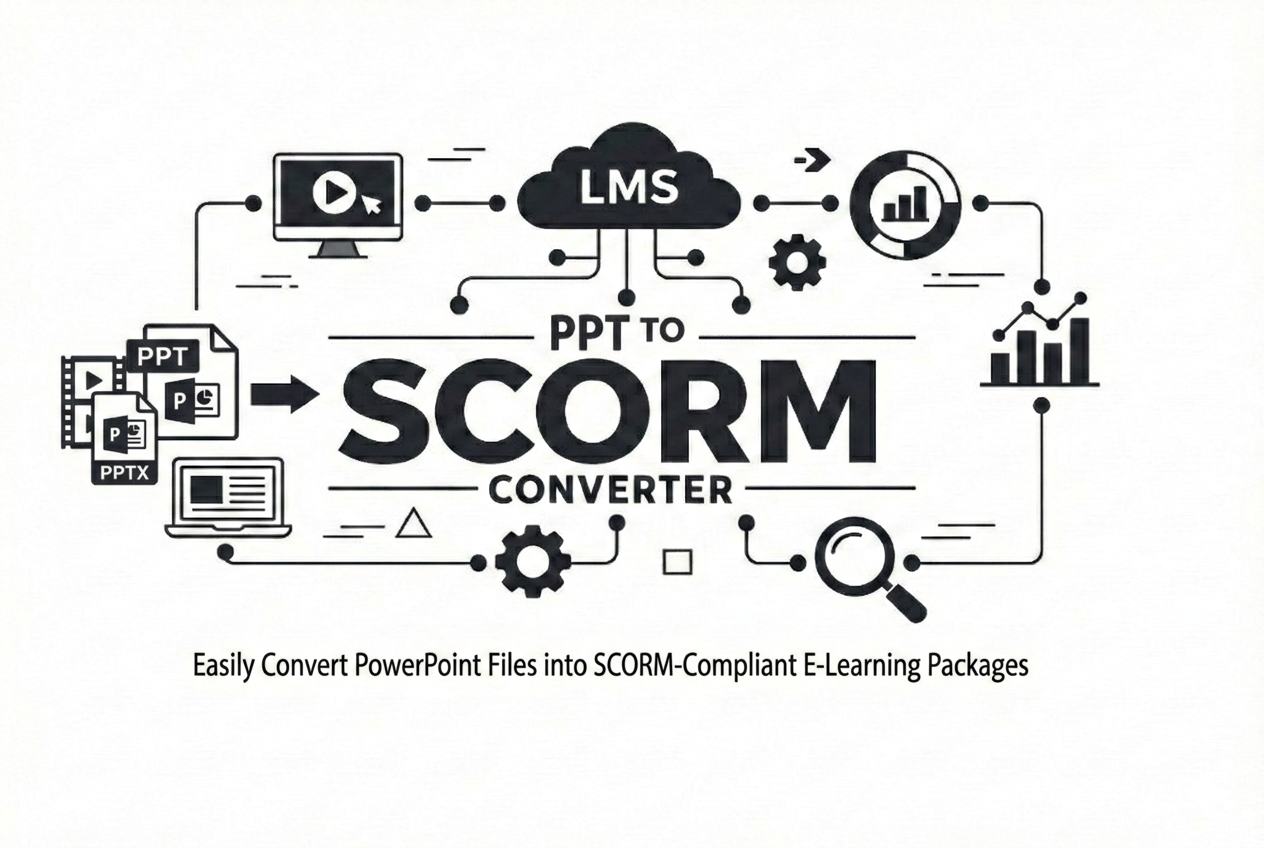
PPT to SCORM Converter
Supports PowerPoint (PPT/PPTX), Apple Keynote (KEY), and OpenDocument Presentation (ODP).
Convert presentations into SCORM 1.2 or SCORM 2004 packages with learner tracking, customizable themes, navigation controls, multilingual support, and completion reporting. Create LMS-ready courses in just a few clicks— no additional authoring software required.
Upload Your Presentation
Upload PPT, PPTX, KEY, or ODP files to begin the conversion process.
Configure Course Settings
Select the SCORM version, completion rules, theme colors, fonts, navigation controls, language, and course title.
Download the SCORM Package
Generate a SCORM-ready ZIP package for seamless upload to your Learning Management System.
Everything You Can Customize Before Conversion
Convert presentations into fully customized SCORM courses with configurable branding, navigation, tracking, language, completion rules, and LMS-ready output.
Multiple Presentation Formats
Upload Microsoft PowerPoint (.ppt, .pptx), Apple Keynote (.key), or OpenDocument Presentation (.odp) files.
SCORM 1.2 & SCORM 2004
Generate standards-compliant SCORM 1.2 or SCORM 2004 packages compatible with major LMS platforms.
Completion Slide
Select which presentation slide marks course completion for accurate learner progress tracking.
Theme Customization
Customize background colors, text colors and branding to match your organization's design.
Font Selection
Choose from multiple professional font families including Roboto, Open Sans, Inter, Lato, Poppins and more.
Navigation Layout
Display navigation controls in the header, footer, or both according to your course design.
Navigation Controls
Enable or disable Previous, Next, Page Number, Progress Bar and Fullscreen controls individually.
Course Title
Automatically generate a course title from the presentation filename or create your own custom title.
Multi-language Interface
Localize navigation buttons and interface labels using the built-in language selector.
Live Navigation Preview
Preview navigation layout, theme colors, fonts and controls before generating your SCORM package.
LMS Tracking
Track learner progress, viewed slides, completion status and SCORM reporting inside your LMS.
Ready-to-Upload Package
Download a complete SCORM ZIP package with manifest, assets and tracking files ready for your LMS.
✔ PPT, PPTX, KEY & ODP Support | ✔ Live Preview | ✔ Multi-language | ✔ Theme Customization
✔ Navigation Controls | ✔ LMS Tracking | ✔ Ready-to-Upload SCORM ZIP
Convert PowerPoint to SCORM in 4 Simple Steps
Create a fully functional SCORM package in just a few minutes. Upload your presentation, customize the player, and download an LMS-ready SCORM package.
Upload Presentation
Upload PPT, PPTX, KEY, or ODP files directly from your computer.
Configure SCORM
Select SCORM version, completion slide, and tracking preferences.
Customize Player
Personalize colors, fonts, navigation controls, course title, and language.
Download SCORM
Receive a SCORM 1.2 or SCORM 2004 ZIP package ready for upload to your LMS.
Advantages of Converting PPT to SCORM
Our PPT to SCORM converter transforms PowerPoint presentations into fully LMS-ready packages with completion control, and SCORM-compliant tracking.
Custom Completion Slide Control
Define which slide marks course completion. Learners must reach the selected slide before the LMS records the course as complete.
SCORM 1.2 & 2004 Support
Choose between SCORM 1.2 or SCORM 2004 standards for compatibility with modern and legacy LMS platforms.
Instant SCORM ZIP Packaging
Automatically generates a ready-to-upload SCORM ZIP file without requiring any authoring software.
Why Convert PPT to SCORM?
Converting PowerPoint presentations into SCORM packages allows you to track learner progress, measure course completion, and ensure compatibility with modern Learning Management Systems (LMS). Our tool simplifies the process and delivers a fully structured SCORM package instantly.
Slide-Level Tracking
Monitor exactly which slides learners have viewed and track their progress in real time.
This enables accurate reporting inside your LMS and helps ensure learners complete the required content before finishing the course.
SCORM-Compliant Output
Generates fully standards-compliant SCORM packages with proper manifest, tracking API integration, and structured course flow.
Ensures smooth import and reliable tracking across major LMS platforms without errors or manual fixes.
Fast & Automated Conversion
Convert PowerPoint slides into SCORM format automatically without manual effort.
Our system processes slides, generates tracking logic, and packages everything into a ready-to-upload SCORM ZIP file within seconds.
Custom Completion Control
Define which slide marks course completion, giving you full control over learner progression and certification logic.
Secure Processing
Files are processed securely with encryption and automatically deleted, ensuring complete privacy and data protection.
Ready-to-Upload Package
Get a fully structured SCORM ZIP file with all required files, ready to upload directly into your LMS without any extra setup.
Customize Your SCORM Course Player
Create a professional learning experience by customizing your SCORM player. Adjust colors, typography, navigation controls, language, and course title before converting your presentation.
Theme Settings
Personalize the appearance of your SCORM player.
- Background color customization
- Foreground (text) color customization
- Multiple font family options
- Consistent player appearance across all slides
- Preview theme changes before conversion
Navigation Settings
Control how learners navigate through your course.
- Header, Footer, or Header & Footer navigation
- Previous & Next navigation buttons
- Page number display
- Progress bar display
- Fullscreen button
- Show or hide the course title
- Custom course title
- Multi-language navigation labels
- Live navigation preview
3
Theme Options
8+
Navigation Controls
Multiple
Font Families
Live
Navigation Preview
Online PPT to SCORM Converter for LMS Platforms
Our PPT to SCORM converter helps educators and eLearning developers transform PowerPoint presentations into fully trackable SCORM packages. The generated ZIP file works with Moodle, Blackboard, TalentLMS, and other SCORM-compliant LMS platforms.
Choose between SCORM 1.2 and SCORM 2004 standards, define completion criteria, and ensure accurate learner tracking, progress reporting, and LMS compatibility without expensive software.
Secure & Privacy-Focused File Conversion
We take your data privacy seriously. Every file you upload is processed securely, protected with encryption, and automatically deleted after processing. No permanent storage, no unauthorized access — just safe and reliable conversion.
Automatic File Deletion
All uploaded files and generated SCORM packages are automatically removed from our servers after processing.
Your data is never stored longer than necessary, ensuring complete privacy.
Secure Encrypted Uploads
All file transfers are protected using industry-standard SSL encryption.
This ensures your PowerPoint files remain private and secure during upload and processing.
No Data Sharing
Your files are never shared, accessed, or used for any purpose other than conversion.
We follow a strict privacy-first approach with zero third-party access.
Isolated Processing Environment
Each conversion runs in a secure, isolated environment to prevent unauthorized access and ensure safe file handling.
Temporary File Handling
Files exist only during the conversion process and are automatically cleaned up within minutes after download.
🗑 Auto-delete system | 🚫 No data retention
✔ Privacy-first architecture | ✔ Secure processing pipeline | ✔ No login required
Built for Real LMS Tracking — Not Just File Conversion
Most tools simply export slides as SCORM. We go further — real tracking, real completion logic, and LMS-ready output that actually works.
Instant Browser Conversion
No installations, no plugins, no authoring tools. Upload your PPT and get SCORM in seconds.
LMS-Grade Slide Tracking
Tracks learner progress slide-by-slide with proper completion reporting for LMS platforms.
One-Click SCORM Export
Automatically generates SCORM 1.2 or 2004 ZIP packages that work with standard SCORM environments.
✔ No software required | ✔ Works in all modern LMS platforms | ✔ Secure file processing
Why Training Teams Choose Our Converter
Build professional SCORM courses directly from PowerPoint without additional authoring tools.
4+
Presentation Formats
2
SCORM Versions
8+
Navigation Options
100%
LMS Ready
Convert More Content into SCORM Courses
Beyond PowerPoint, you can convert PDFs and videos into SCORM-ready courses with full tracking, completion control, and LMS compatibility.
Works with SCORM 1.2 & SCORM 2004 LMS
No installation • No signup • Instant download
✔ Secure processing | ✔ Auto file deletion | ✔ Fast conversion
Start PPT ConversionPPT, KEY & ODP to SCORM – Frequently Asked Questions
Learn how the presentation to SCORM converter works, which file formats are supported, LMS compatibility details, security practices, and how SCORM tracking functions after conversion.