We’ve rebuilt the video experience in XtoSCORM on top of Video.js 10, and the result is a cleaner, more polished player for your SCORM courses. Starting this month, you can choose between two player styles when you convert a video: Classic and Modern.
What changed
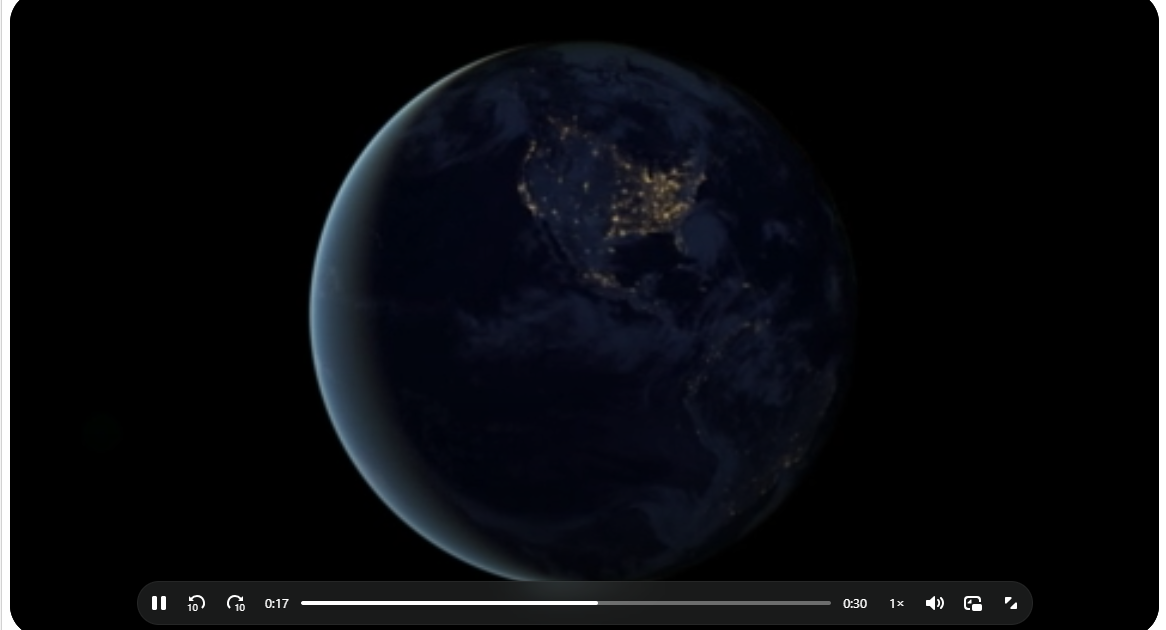
The video player is the part of a SCORM package your learners actually spend their time with, so it matters that it looks and feels right. Video.js 10 gave us the foundation to redesign that experience from the ground up. The new Modern player brings a refined interface with smoother controls, a more contemporary look, and a viewing experience that feels at home inside any LMS.
The upgrade sits under the hood of every video conversion, so the improvements in playback and reliability apply across the board. On top of that, we’ve added the Modern theme as a style you can opt into.
Two players, your choice
When you convert a video to SCORM, you now pick the player that fits your course:
Classic is the familiar, straightforward player. It’s clean, dependable, and a safe default for any LMS. If you want exactly what you’ve had before, Classic is it.
Modern is the new option. It carries the visual refresh that Video.js 10 made possible: a sleeker control bar, a more polished layout, and an overall experience that feels current. If you want your course to look its best, this is the one to try.
Both players are fully SCORM tracked. Whichever you choose, the package still reports completion status, watch percentage, and resume data back to your LMS exactly as before. The choice is about look and feel, not function, so you never trade tracking for style.
How to use it
Nothing new to learn. On the Video to SCORM converter, choose Classic or Modern under Player Theme before you convert. That’s the whole change on your side. Convert as usual and your package ships with the player you selected.
Why we did it
Purpose-built tools earn their keep in the details. A converter that only exists to funnel you toward a bigger product has no reason to invest in how the player looks once you’ve downloaded your file. Because the converter is our whole product, that polish is exactly where we want to spend our effort. The move to Video.js 10 and the new Modern player is part of that: making the output you ship to your learners something you’re glad to put your name on.
Give the Modern player a try on your next conversion and see the difference for yourself.